Stable Diffusion upscaler
Nothing is uploaded
Level 1
Your picture, up to 4x bigger and sharper
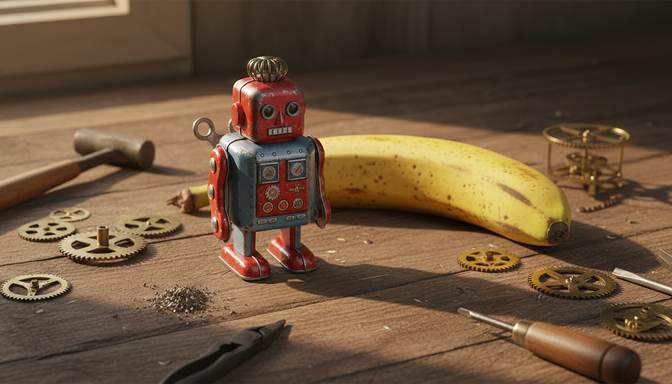
Real result from this tool. Sample made with Nano Banana, reduced to 672 x 384, then enhanced 4x.
Your level and badges
Level 1, with 0.0 MP gained. 5 MP reaches the next level. It's all kept in this browser.
- First clearFinish your first pictureNot earned yet
- Tile tapperTap 5 tiles in one runNot earned yet
- 4K clubMake a picture 3840 pixels wide or moreNot earned yet
- Rank SSharpen a soft picture by 60% or moreNot earned yet
- Second windSend a finished picture through againNot earned yet
- Both modesFinish one Photo and one Art pictureNot earned yet
- CollectorFinish pictures from 4 different AI toolsNot earned yet
- 100 MPGain 100 megapixels in totalNot earned yet
Upscale Stable Diffusion images with Real-ESRGAN, with nothing to install. The model runs in your browser, so nothing is uploaded.
What size are Stable Diffusion images?
SD 1.5 was trained at 512 x 512, and SDXL at 1024 x 1024, which Stability AI calls its native size. Most people generate at or near those sizes, because going much larger in a single pass tends to cause repeated subjects and other mistakes. So the usual way to get a large image is to generate small and upscale.
| Starting size | At 2x | At 4x |
|---|---|---|
| 512 x 512 | 1024 x 1024 | 2048 x 2048 |
| 768 x 768 | 1536 x 1536 | 3072 x 3072 |
| 1024 x 1024 | 2048 x 2048 | 4096 x 4096 |
How this compares with your local setup
If you run Automatic1111, Forge or ComfyUI, you may already have Real-ESRGAN and larger models. This page is for when you're on another computer, when you don't want to set up a workflow, or when you want a quick result to share.
It uses the compact Real-ESRGAN models: Photo is realesr-general-x4v3 and Art is realesr-animevideov3. They were chosen because they're small enough to download in a browser. Heavier models such as RealESRGAN_x4plus can produce more detail, but they are far larger.
It is a pure upscaler. Unlike Hires. fix or tiled img2img, it doesn't run diffusion, so it won't invent new objects or follow your prompt.
Frequently asked questions
Which mode should I use for anime checkpoints?
Choose Art. It's built for line art and flat colour. Use Photo for realistic checkpoints and general scenes.
Does it keep my generation settings?
No. The file you download is new, so metadata such as your prompt and seed isn't carried across. Keep the original if you need them.
Can I run this on a batch of images?
Not at the moment. It takes one image at a time. Your local setup is the better choice for batches.
Your picture is ready. Now put it in front of people.
Oxtro connects your WhatsApp number by QR code, so your team can share one inbox, send images to people who opted in, and run messages from your own code.
More free tools: Image compressorImage resizer All tools